Quickly Increase Space On Your Mac
Free up hard disk space in just minutes
Free scan for macOS X. To benefit from advanced features, activate the full version starting from /month. By downloading Mac Cleaner, you agree to the Software License Agreement and Privacy Policy.
Increase Your Mac's Performance with
Three Easy Steps

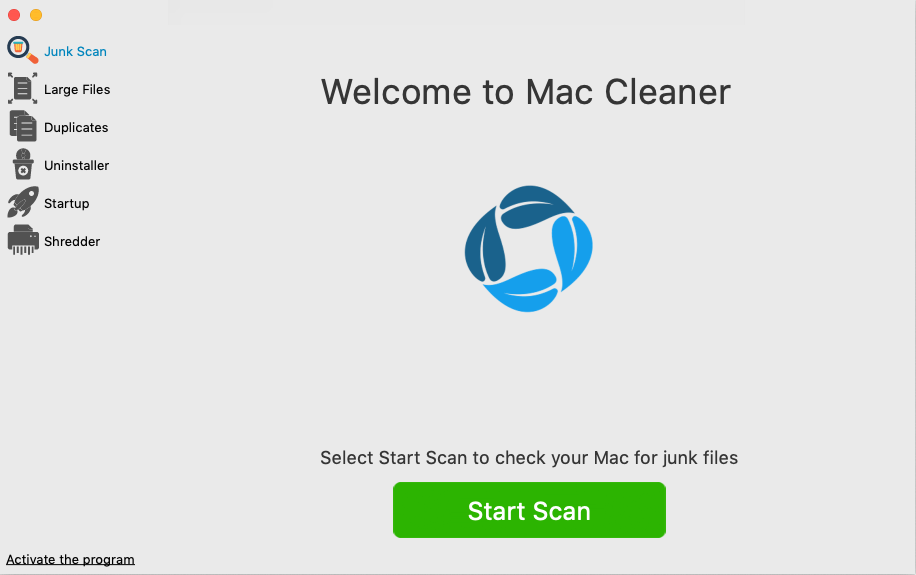
1. Download
Download and install the Mac Cleaner diagnostic tool
2. Scan
Click 'Scan' and let Mac Cleaner find the unnecessary files
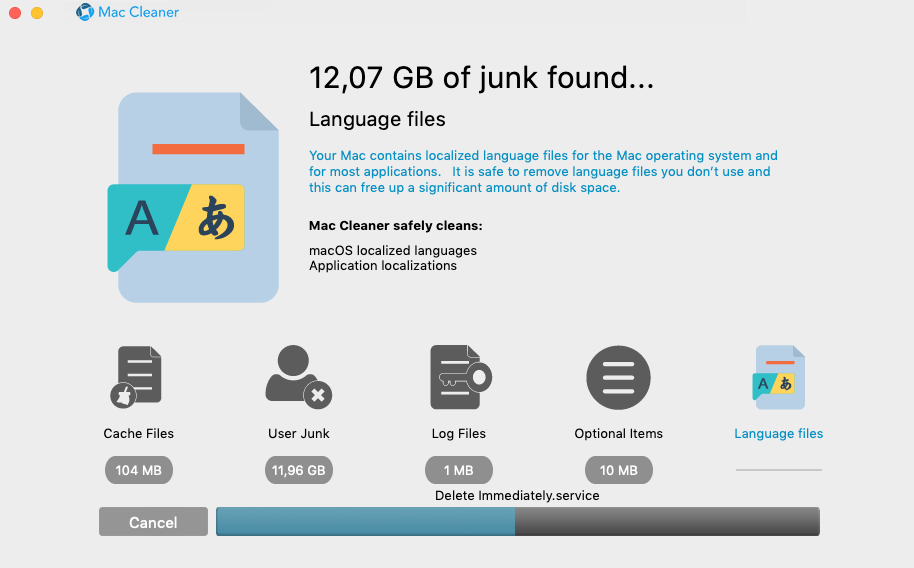

3. Optimize
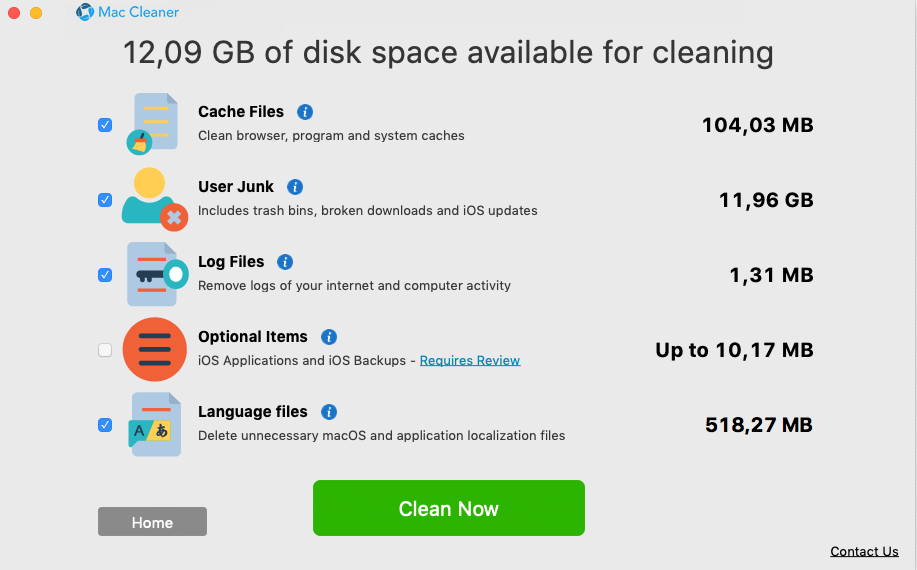
Optimize your computer by deleting clutter found by Mac Cleaner
Mac Cleaner is loaded with features to Help Keep Your Mac in Top Shape

See what's stored on your Mac
Quickly view what's stored on your Mac's hard drive, and where everything is stored. This makes it easy to remove unneeded files and programs, and free up space.

Identify and remove "space stealers"
The cleanup scan also identifies localized language files and makes it simple to remove languages you don’t need.

Improve your Mac's performance
The cleanup scan finds outdated cache files for Safari, iTunes, iPhoto and more. It finds unnecessary log files and diagnostic reports. This freed-up space will help increase your Mac's performance.

Optimize your Mac
The full version of Mac Cleaner also provides you with total control over where files are saved and stored. Powerful tools take the guesswork out of how to manage files and programs on your Mac.


NEW!! Mac Cleaner is fully compatible with macOS Catalina. So, no matter what version of macOS you're running, Mac Cleaner has the advanced features you need to keep your Mac fully optimized.
Free scan for macOS X. To benefit from advanced features, activate the full version starting from /month. By downloading Mac Cleaner, you agree to the Software License Agreement and Privacy Policy.